 digoDial
Your Mac dials. Your desk phone talks.
digoDial connects your Asterisk PBX to macOS. Select a number, press the shortcut, and the call is up. No cloud, no account, no new phone system.
Download it for free and try every feature for five days. After that, the full version is a one-time purchase.
macOS 15 or newer. Asterisk with AMI access. Set up in about ten minutes. The app, this page and the manual are available in English and German.
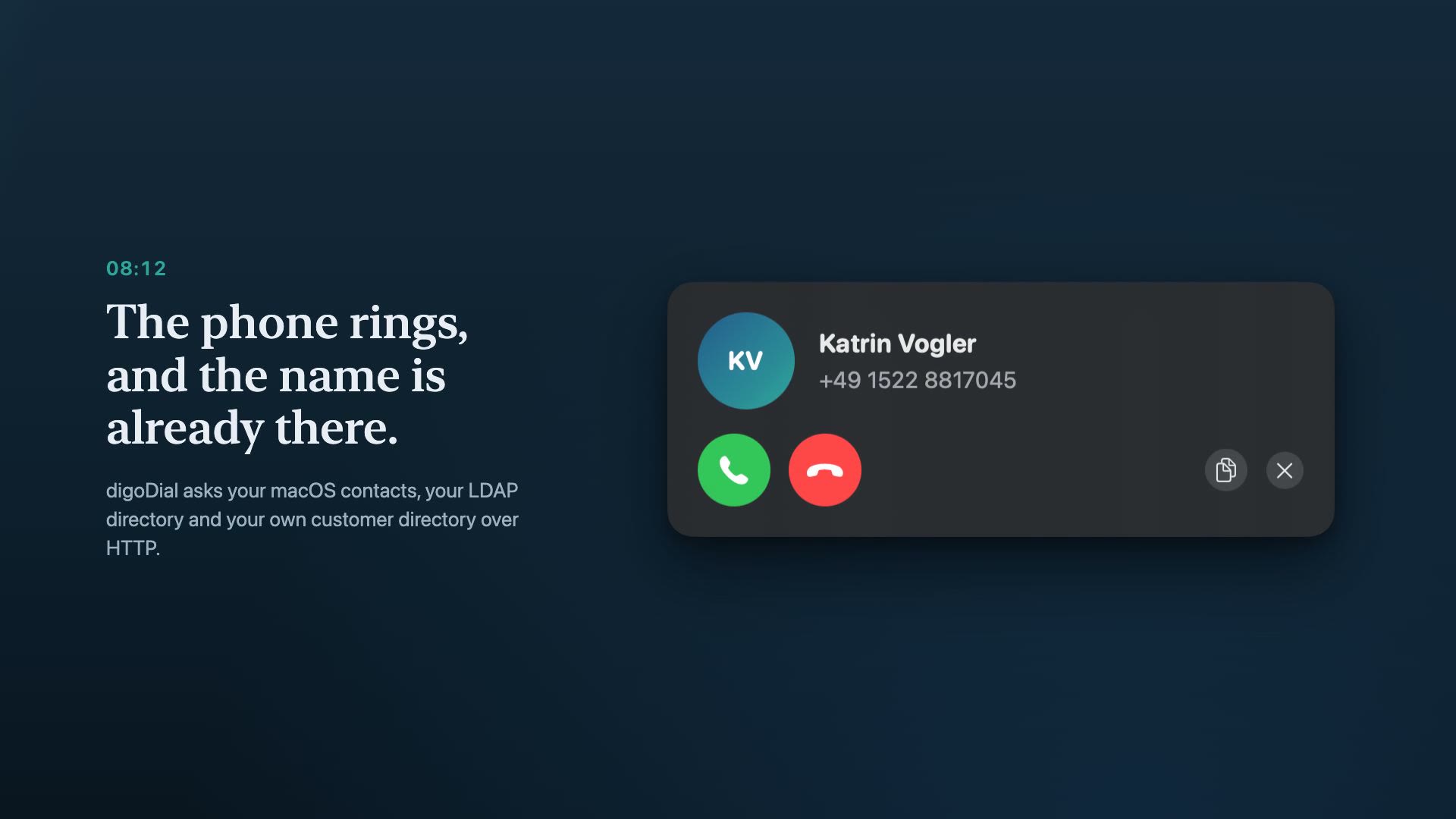
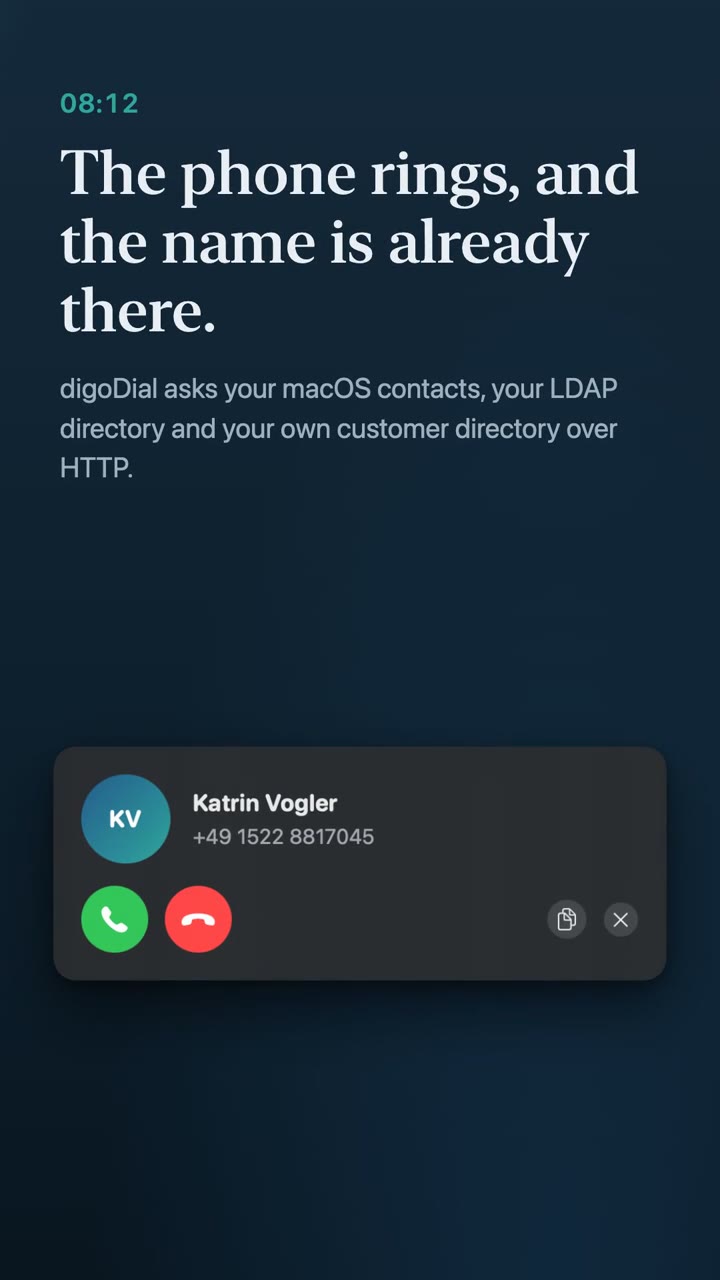
08:12
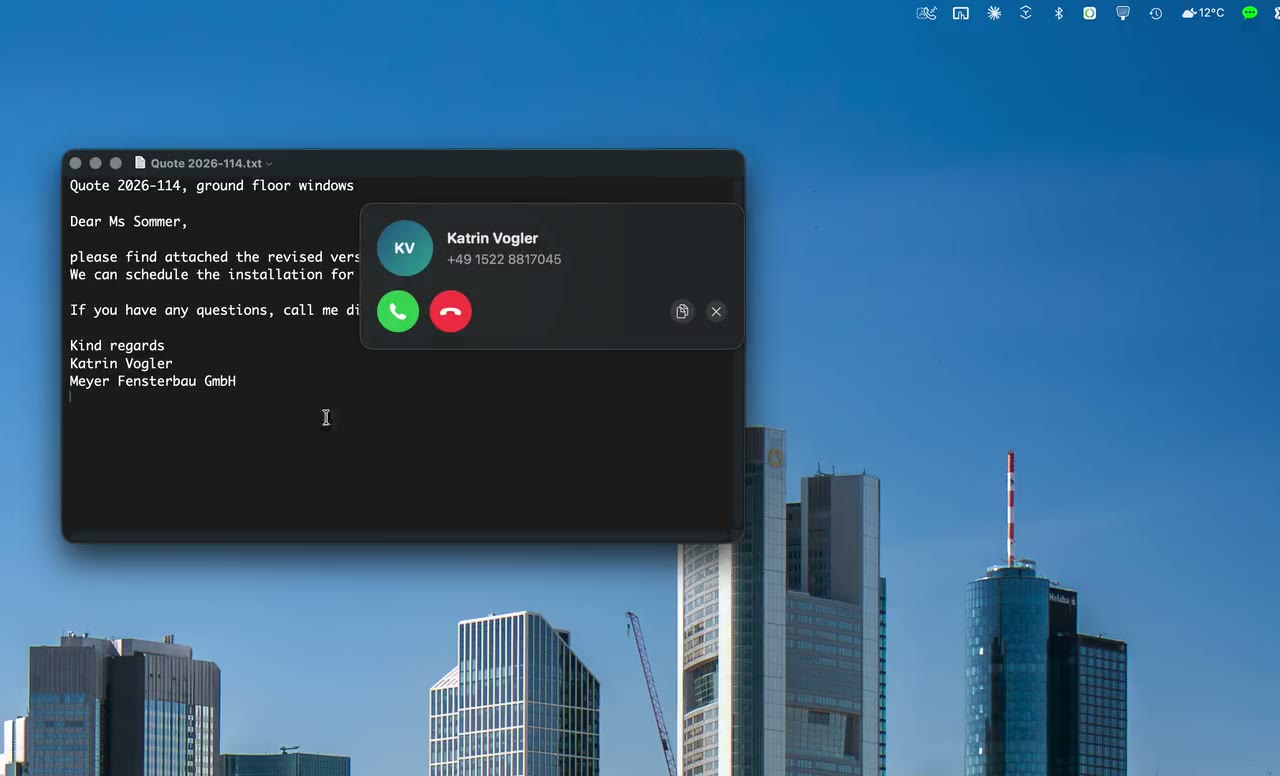
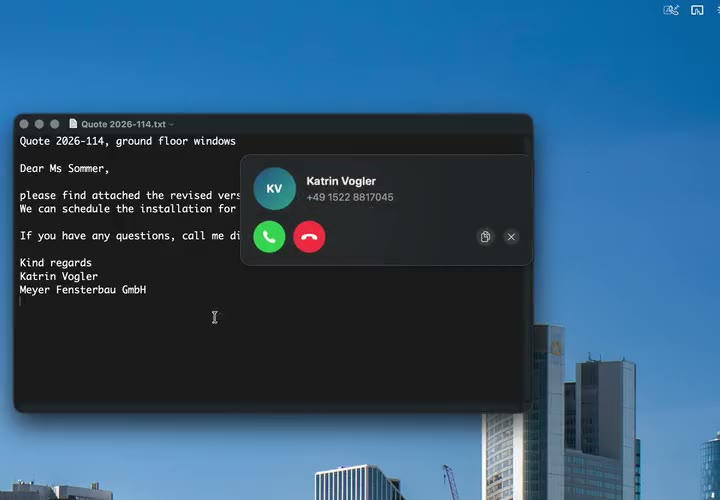
The phone rings, and the name is already there.
Before you pick up, you know who is calling. digoDial asks your macOS contacts, your LDAP directory and, if you run one, your own customer directory over HTTP. It also finds entries written differently from what arrives on the line, because every number is brought into the same form first.
+49 69 90012910 becomes 069 90012910, and the entry is still found.
09:30
Select. Shortcut. Connected.
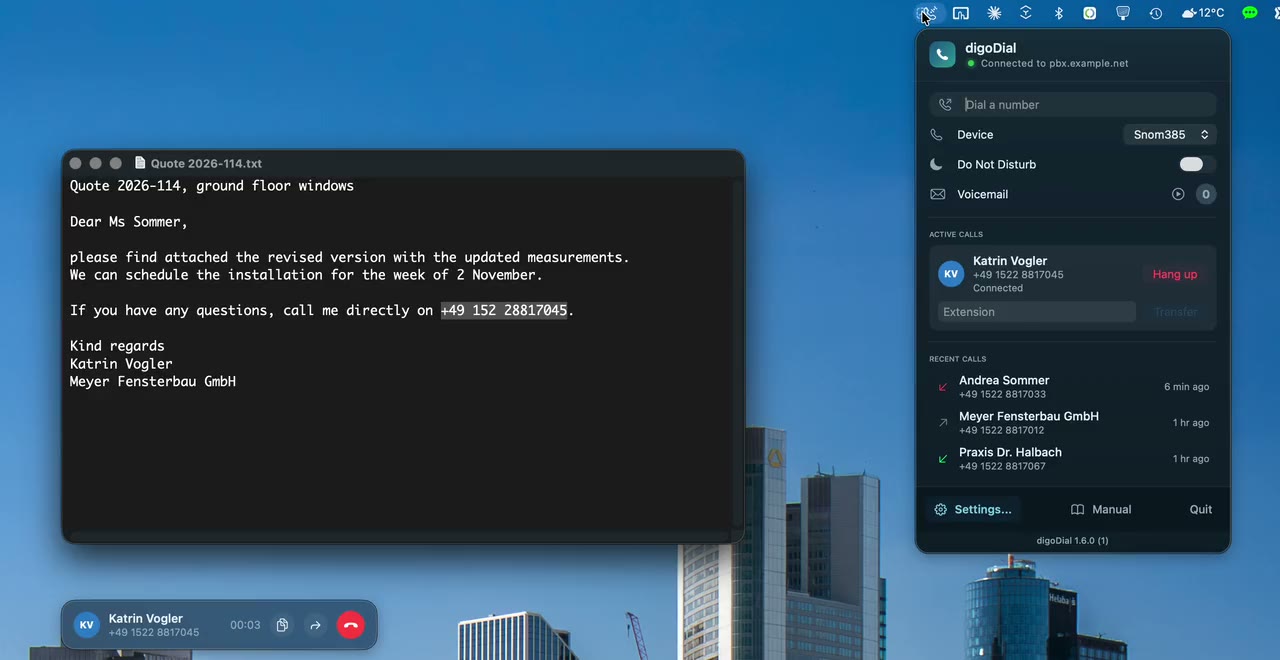
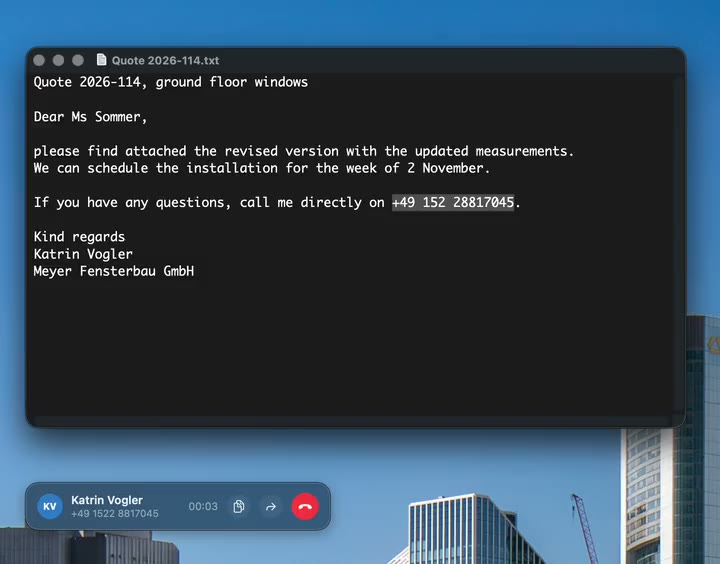
The number sits in an email, in a quote, on a web page. You select it and press the shortcut. Your desk phone goes off hook by itself, the PBX calls the destination. No retyping, no typos, no switching between programs.
Three ways lead to the same call: the shortcut, the right-click service "Mit digoDial anrufen", and the dial field in the menu bar, which also understands names.
11:05
Transfer without touching the phone.
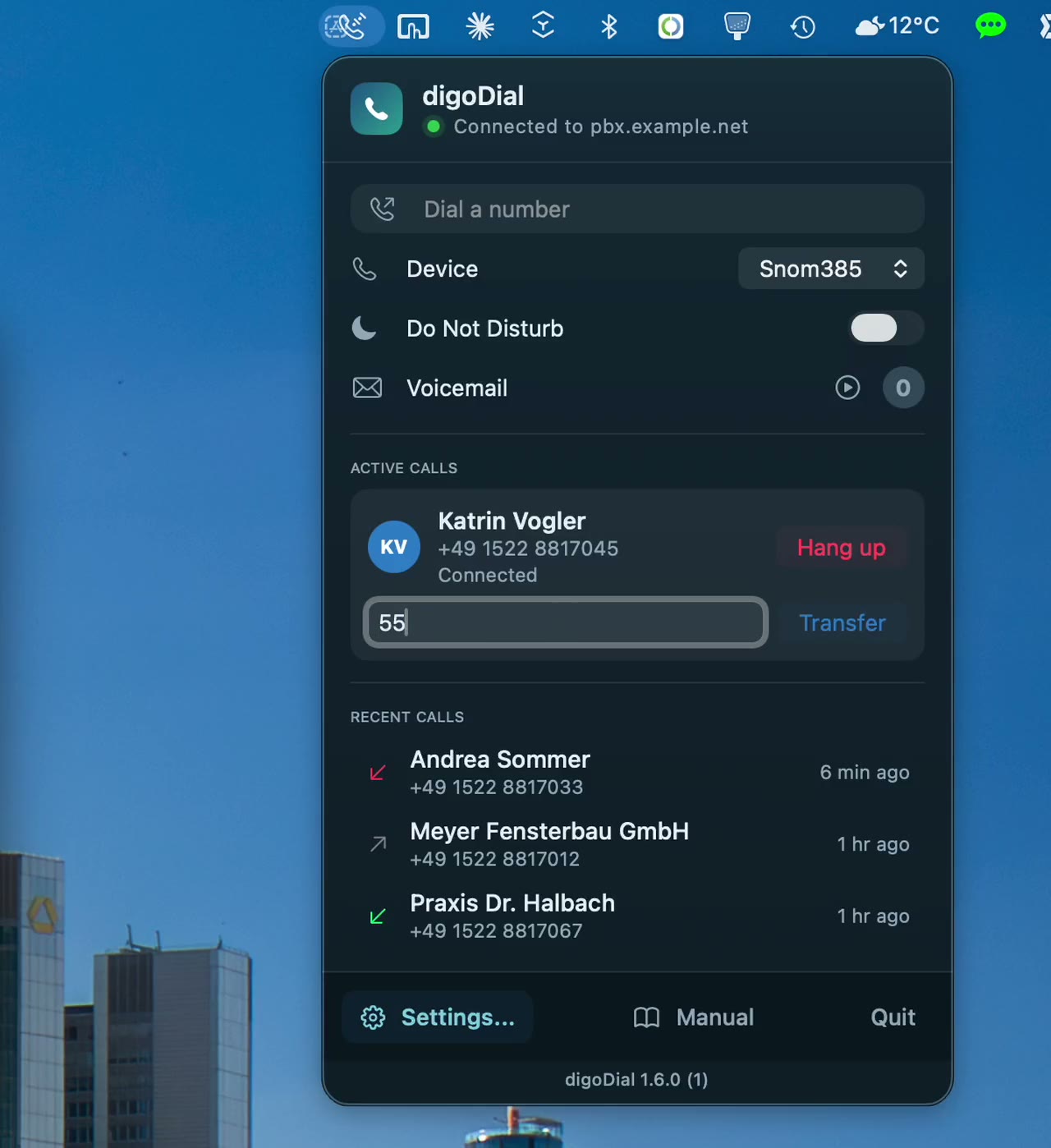
The caller wants to speak to someone else. You type the extension into the panel and the call is handed over. The transfer moves the far end, not your own device.
13:00
Quiet, when you need it.
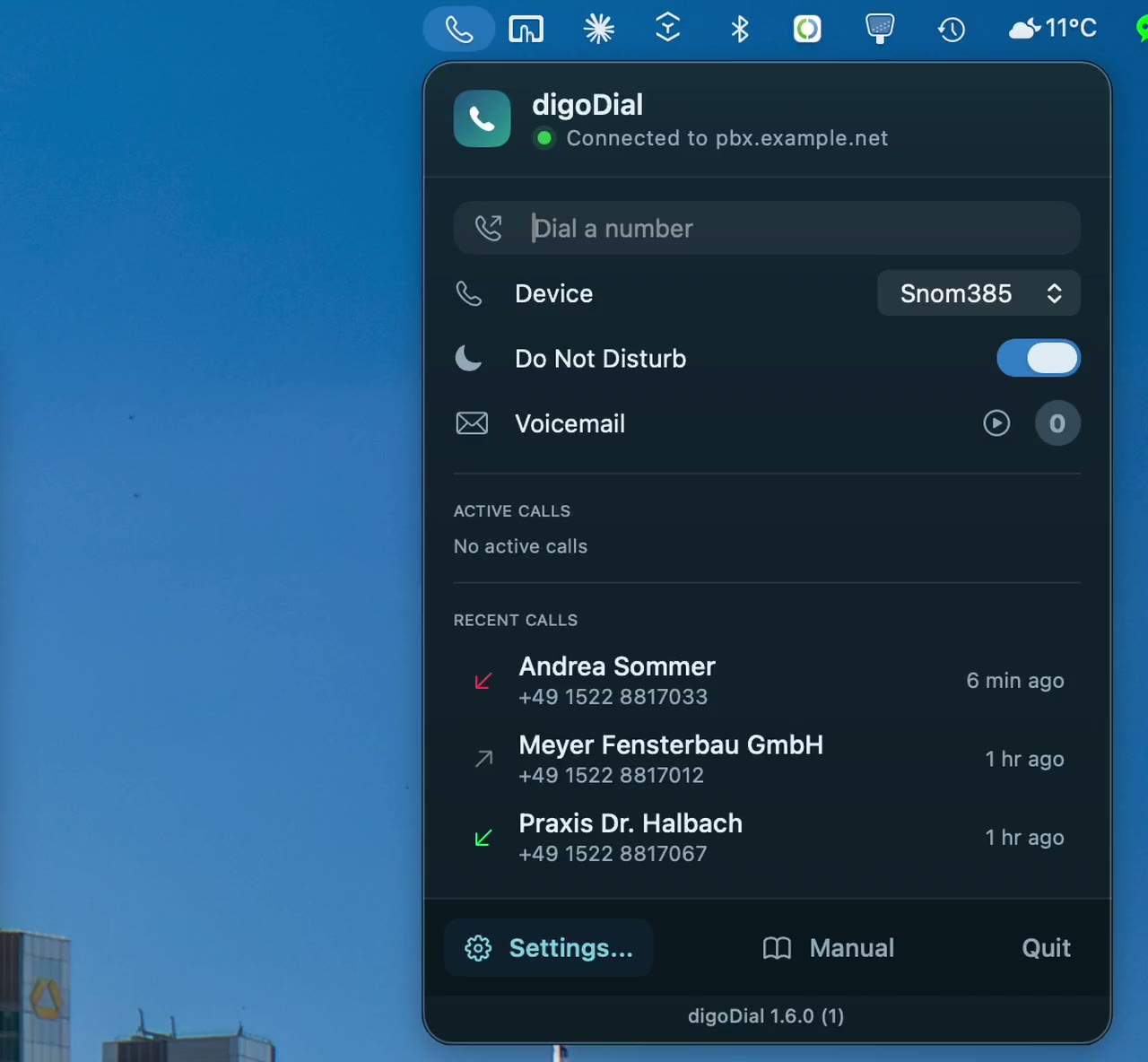
One switch in the menu bar, and the PBX knows. Do not disturb applies where it counts, in the PBX itself, and therefore to your phone as well.
16:40
What happened today is in the journal.
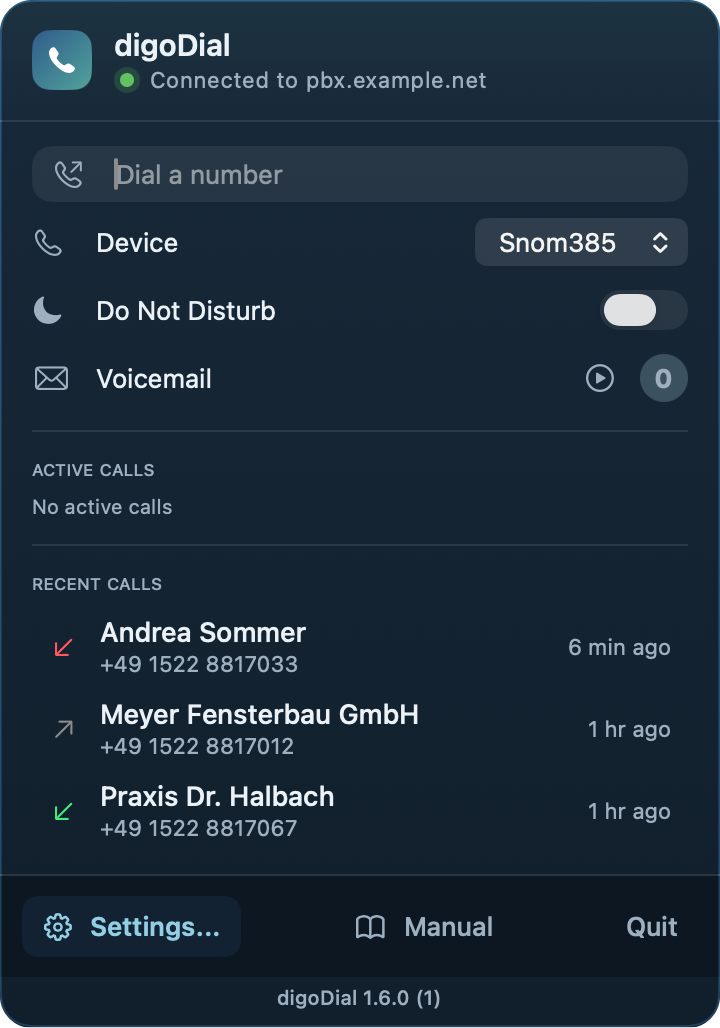
Every call with a name, every missed number, every new voicemail as a red badge on the icon. You listen to the mailbox at the push of a button, your phone picks up and plays it back. The list stays on your Mac and goes nowhere.
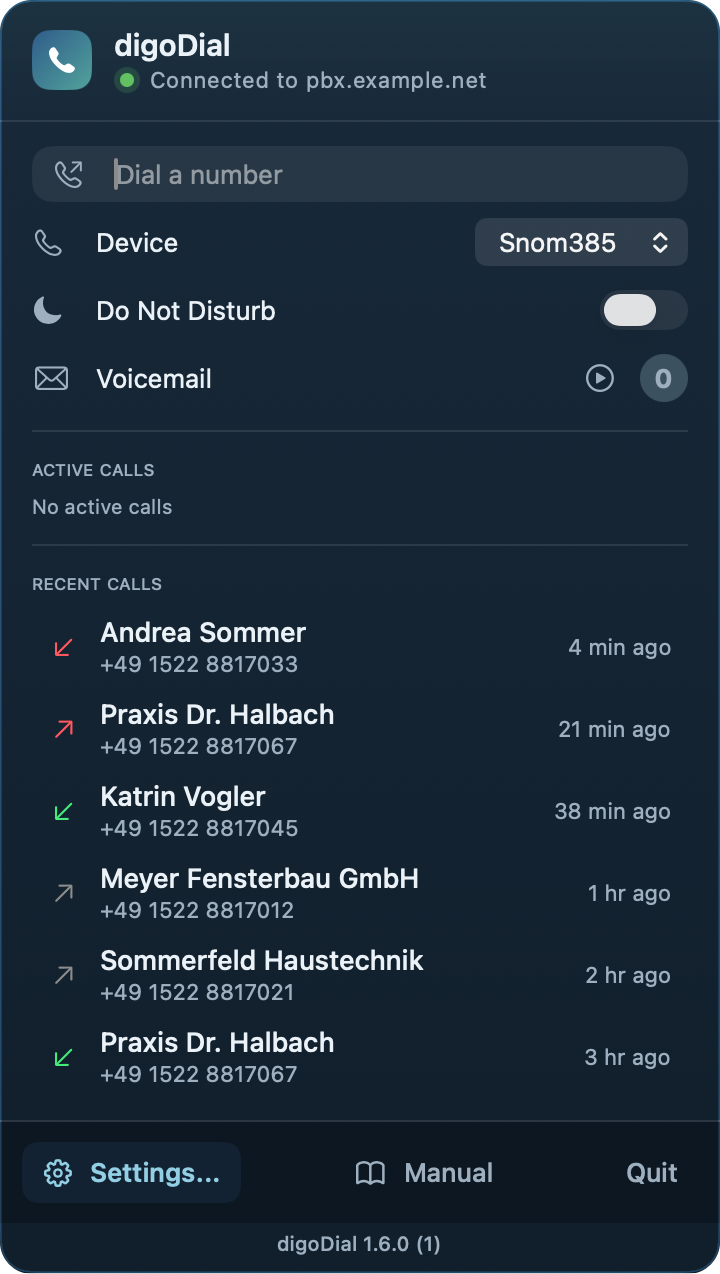
The whole day in 30 seconds.
What actually happens
digoDial is not a phone. It tells your PBX, over the Asterisk Manager Interface, to connect your device first and the destination second. Audio runs over phone and PBX as always, never over the Mac. That is exactly why a call through digoDial sounds as good as one without.
digoDial sends an Originate
Over the Asterisk Manager Interface, with your device as the first leg.
The PBX rings your phone
It answers immediately thanks to the auto answer header, without you pressing anything.
The PBX calls the destination
Both legs are bridged, and the audio never touches your Mac.
What digoDial is not
- Not a softphone. No audio runs through the Mac, there is no headset question and no call quality that depends on your computer.
- Not a replacement for your PBX. What stands, stays.
- Not a cloud service. No account, no registration, no data with third parties.
- No fake ringback. Until the far end answers it stays silent, because digoDial does not play you something the line does not carry.
It stays with you
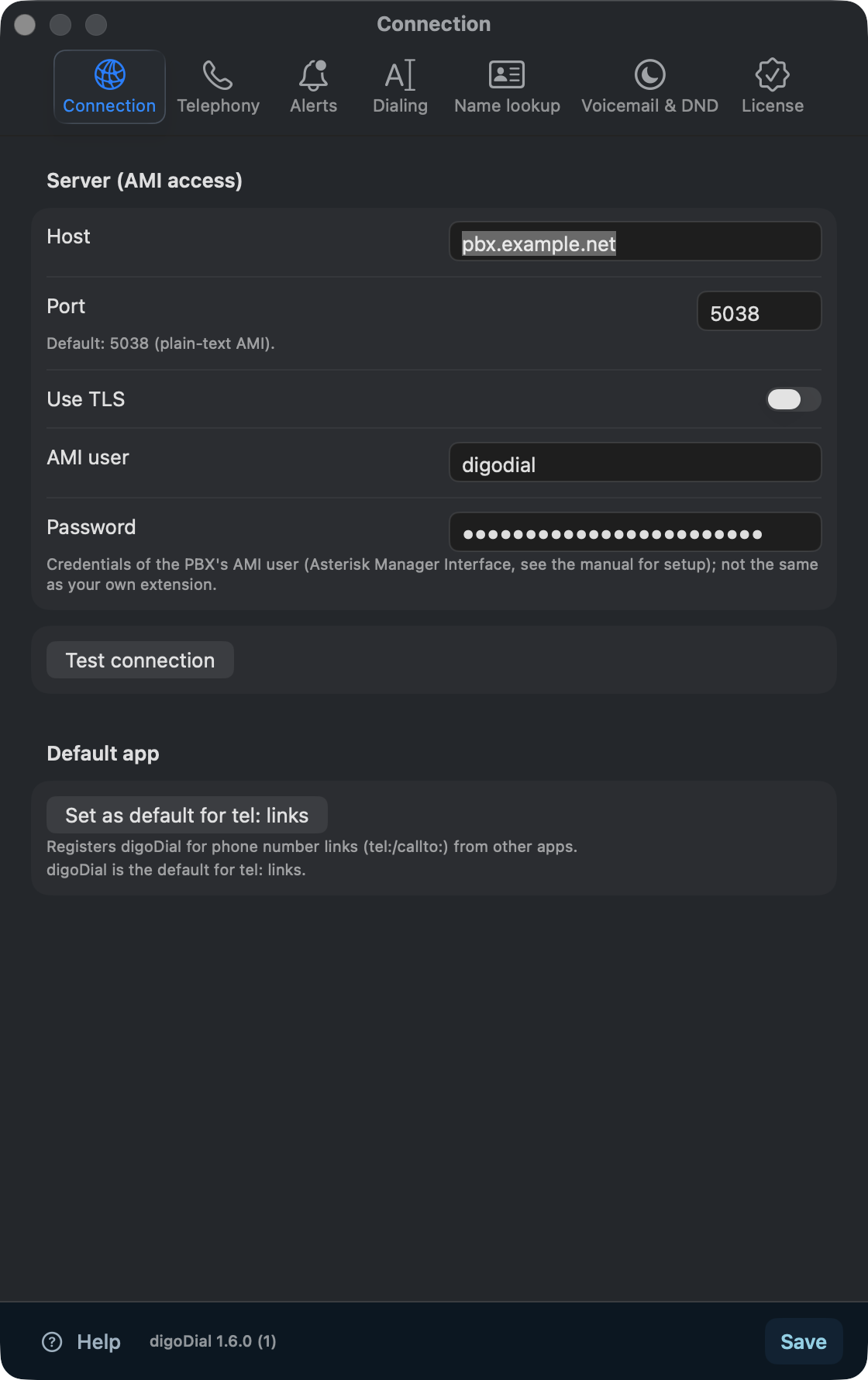
digoDial talks to exactly one device, your PBX in your network. No account, no registration, no transfer to third parties. The password lives in the macOS keychain, the app runs in the sandbox. Anyone who wants to be sure can see in any packet capture that it stays with that single connection. Only the purchase and the trial are handled by macOS through the Mac App Store, as with any app from the store.
Buy once, then it runs
Download it for free and try every feature for five days. After that, a one-time purchase in the Mac App Store unlocks dialing, transfer, the call list and the call window for good. The incoming call display, do not disturb and voicemail stay free. The price is shown in the Mac App Store for your country, in Germany it is 39.99 euros.
macOS 15 or newer, an Asterisk PBX with AMI access, a desk phone on that PBX. The app speaks English and German.
To set it up you create a dedicated AMI user on the PBX. The manual shows the lines that belong in manager.conf.